Project by property
Create a project for an estate cleanout, downsizing move, realtor prep, assisted living transition, or household move.
EstateBeacon helps families and cleanout professionals track property projects, room-by-room inventories, item photos, keep/sell/donate/trash decisions, notes, and shareable PDF reports.
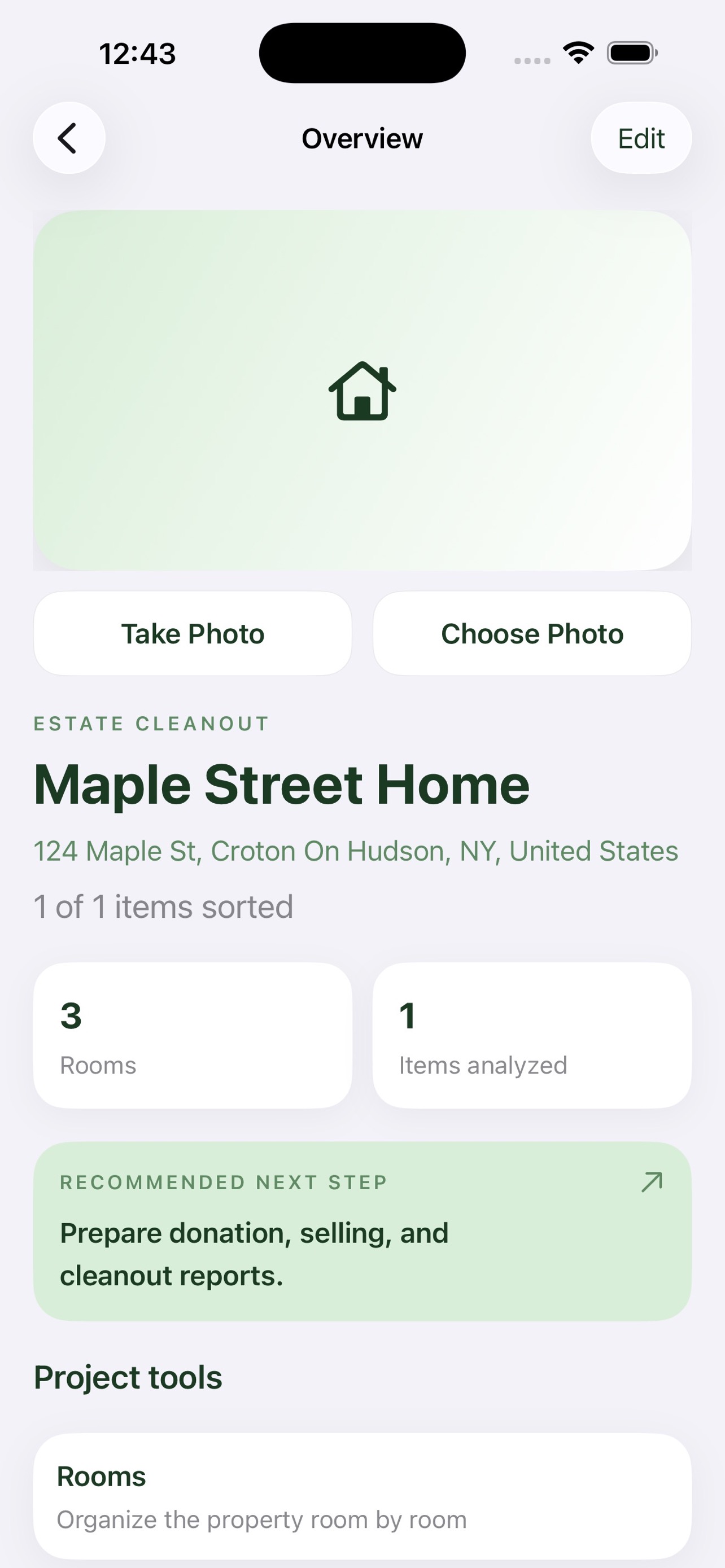
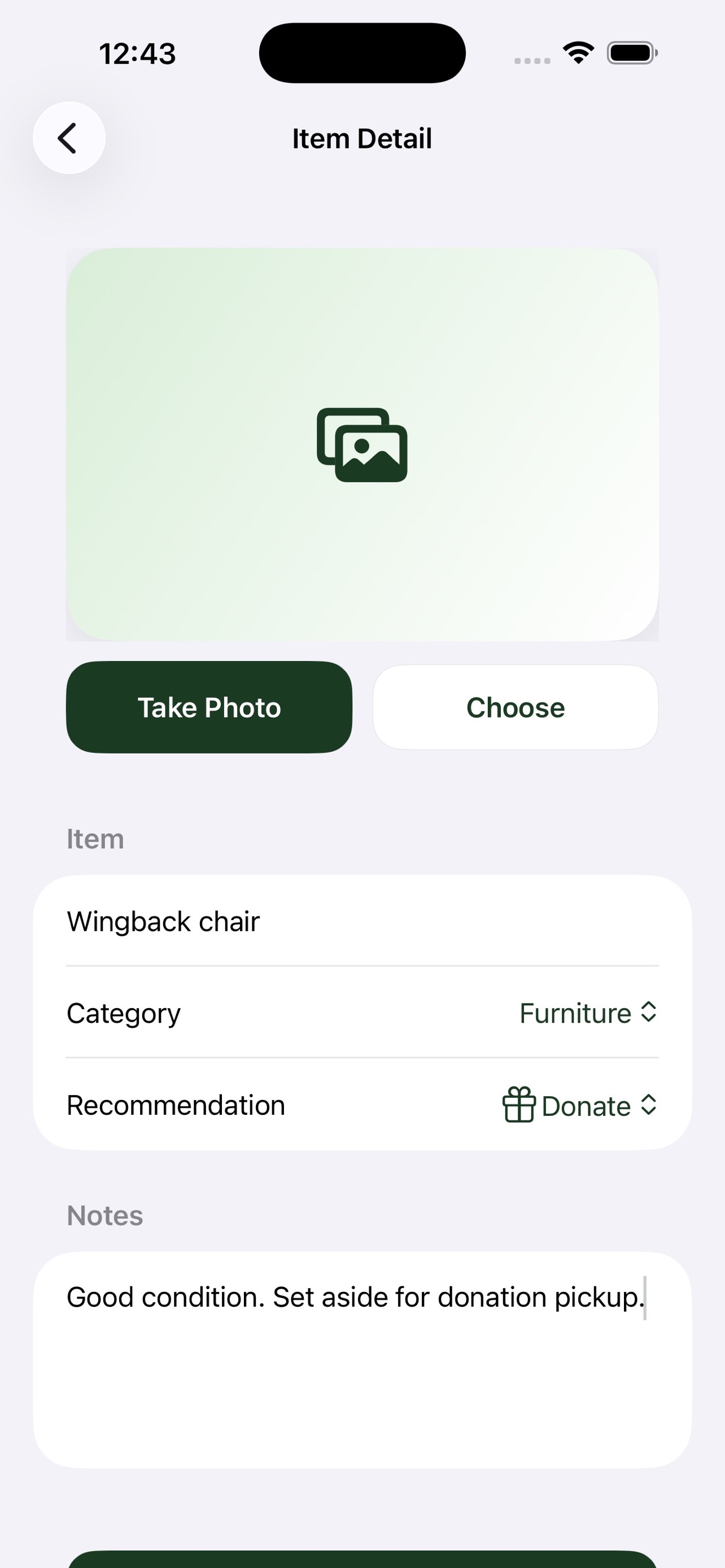
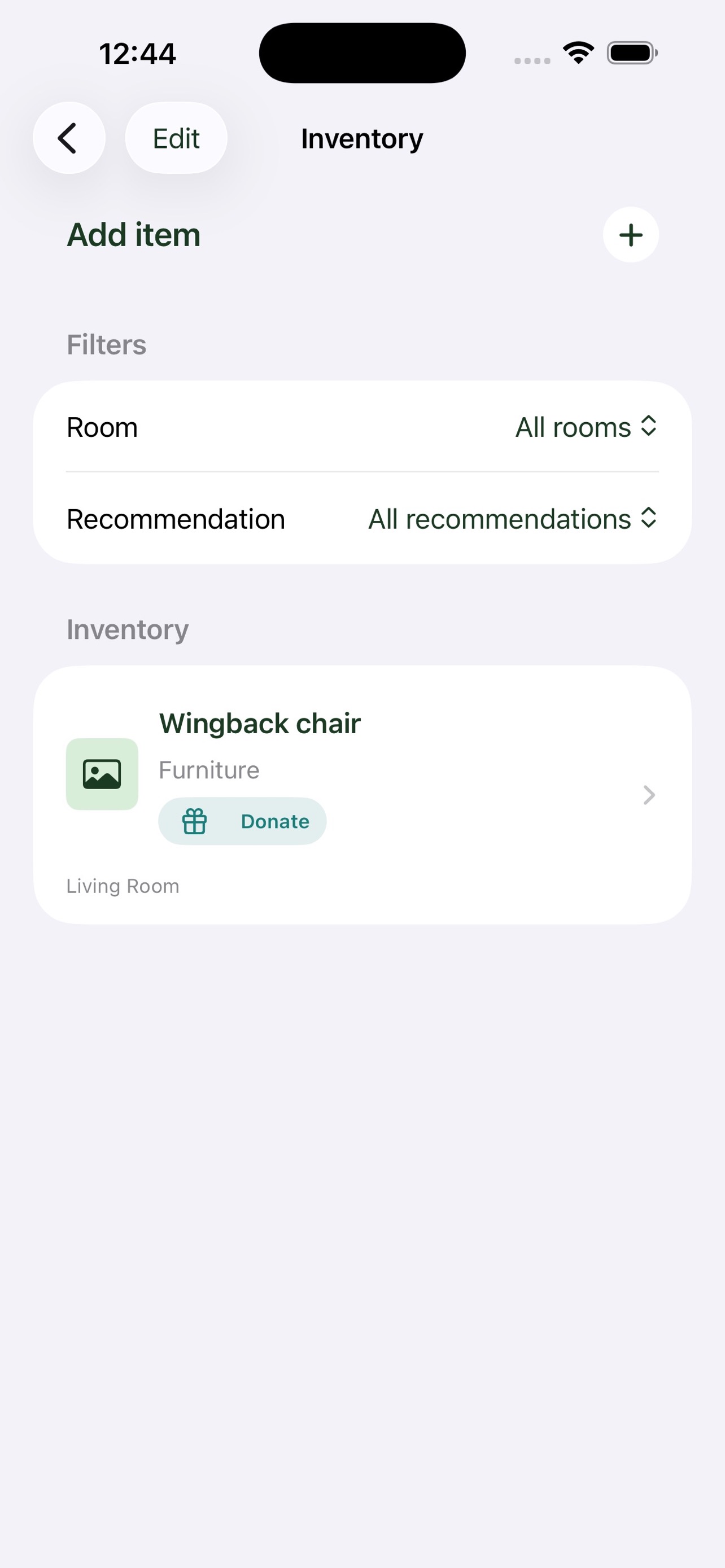
EstateBeacon keeps the workflow focused when a property has many rooms, many objects, and many small decisions to make.
Create a project for an estate cleanout, downsizing move, realtor prep, assisted living transition, or household move.
Add rooms, capture room context, and keep item decisions attached to the space where each object was found.
Export a clean PDF summary with project details, rooms, inventory notes, recommendations, and cleanout progress.
Capture photos, name each item, choose a category, add notes, and mark the next action: keep, sell, donate, trash, or review later.
Project data, inventory details, notes, and photos are stored on the user's device. EstateBeacon does not operate backend sync in this release.
Camera and photo library access are used only when the user chooses photos for projects, rooms, or items.
Address suggestions use Apple MapKit, saved addresses can open Apple Maps, and Sign in with Apple creates a local app profile.
The current app does not include third-party analytics or advertising SDKs.
Need help with EstateBeacon? Use the notes below or contact A Pixel Above.
Email support@apixelabove.com.
Please include your device model, iOS version, app version, and a short description of what happened.
If camera or selected photos do not work, check EstateBeacon access in iOS Settings. If address suggestions do not appear, check network availability.
If a photo is not recognized, enter the item name, category, recommendation, and notes manually.
Read the EstateBeacon Privacy Policy for storage, camera, photos, MapKit, and Sign in with Apple details.